Help Center

Find answers to your questions, learn how to open support tickets, access our complete documentation, and check frequently asked questions about Squash Codes products and services.

Discord Support

Our main support channel is via Discord, where you can open tickets, chat with the community, and get real-time help.

How it works

Documentation

Consult our detailed documentation with installation, configuration, and usage guides for all our resources and products.

Access documentation

FAQ

Find answers to the most common questions from the community about our products, licenses, payments, and technical issues.

View FAQ

Good support makes all the difference.

Fast and efficient response

Average response time of up to 24 hours on business days. clients have priority support and reduced response times.

Specialized team

Experienced MTA:SA developers ready to solve complex technical issues and guide resource implementation.

Support via Discord

Direct channel with our team through ensuring privacy and complete service history.

Constant updates

Bug fixes, performance improvements, and new features during the validity of your license, at no additional cost.

Active community

Over on Discord sharing knowledge and helping each other.

Support in multiple languages

Service in Portuguese, English, and Spanish to better serve our global community.

Quality guarantee

Policy of and commitment to our customers' total satisfaction.

Custom resources

Tailor-made development for your specific needs, with transparent quotes and defined deadlines.

Successful partnership

Special program for with exclusive benefits and dedicated support.

Support via Discord

Our main channel for technical support, with personalized and fast service. Here you can open tickets, ask questions, and interact with our community.

How to open a support ticket
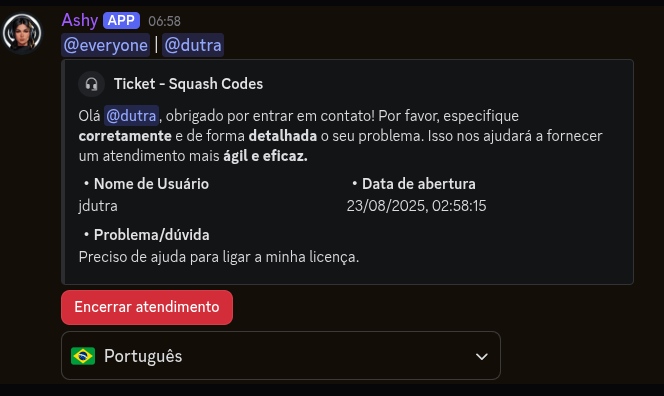
1

Join the Squash Codes Discord server

If you are not a member yet, access our Discord via the linkdiscord.gg/GhMFvKPG4t

2

Navigate to the ticket channel

In the side menu, go to the "SUPPORT" category and locate the channel#create-ticket

3

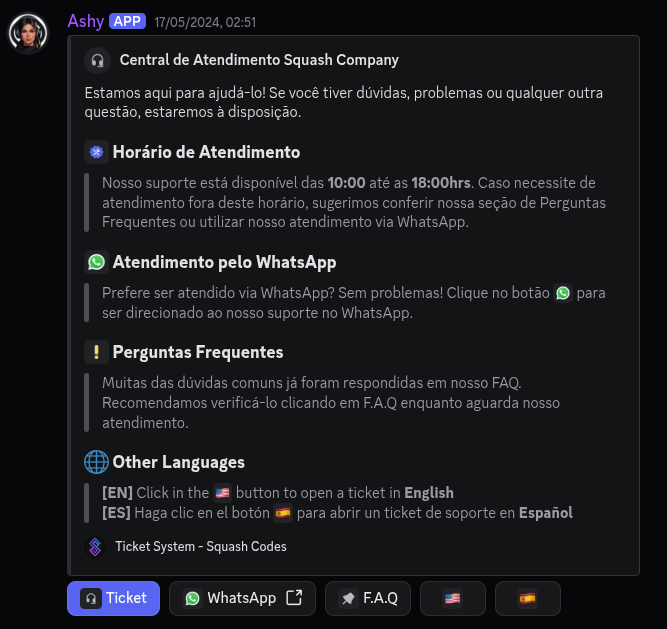
Click the button to open the ticket

You will see a blue button with a message containing instructions to create a new support ticket. Click it.

4

Select the category

Choose the most appropriate category for your issue: Technical Support, Product Questions, License Issues, etc.

5

Describe your problem

Describe your problem in as much detail as possible, including screenshots, error logs, and your server information.

6

Wait for assistance

Our team will analyze your ticket and contact you as soon as possible to help resolve your issue.

Discord Ticket Creation
Discord Ticket Support

Tips for fast service

To ensure you receive the best possible assistance, follow these tips when opening a ticket:

Be objective

Describe the problem clearly and concisely

Include evidence

Screenshots and videos help our team better understand the situation

Technical details

Report debug errors or visible faults that may help understand the problem

Resource license

Always mention it for quick verification

About urgency

Do not select an urgency category that is not compatible with your problem. To offer better support to all our clients, we reserve urgent service only for critical cases that directly impact server operation. If this is not your case, please cooperate with other customers and select the appropriate category.

Service Hours

Monday to Friday, 10 AM to 7 PM (GMT-3)

Online now

Documentation

Access our complete documentation with installation, configuration, and usage guides for all our resources and products. Stay updated with the latest versions and best practices to get the most out of our solutions.

How to access the documentation

1

Visit our documentation portal

Access docs.squashcodes.com or click the "Documentation" button in our site footer. You will be redirected to the main documentation page.

2

Choose the desired product

Browse the list of available resources or use the search bar to find specific documentation.

3

Explore detailed documentation

Each resource has installation and configuration guides, available commands, and usage examples.
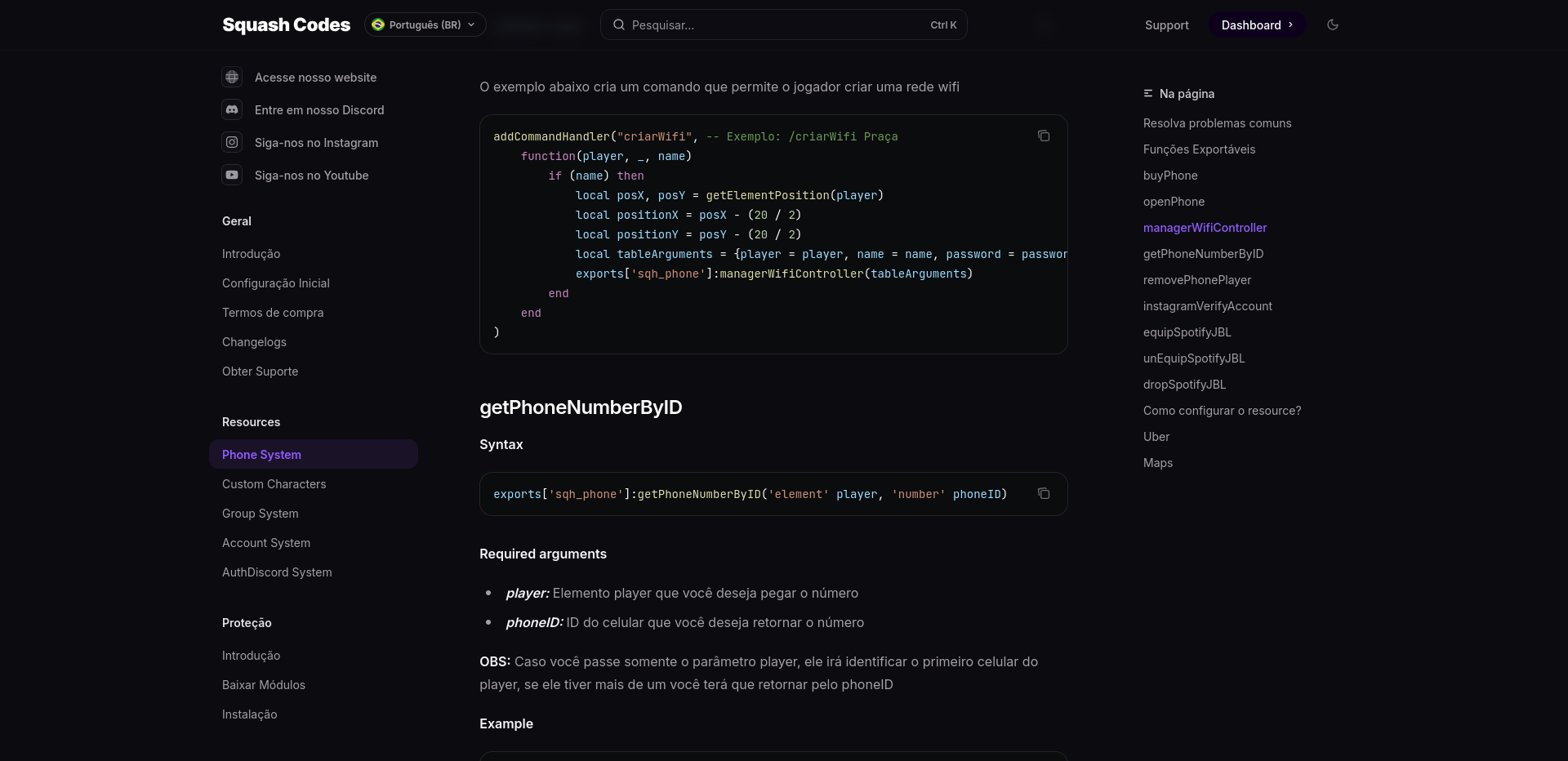
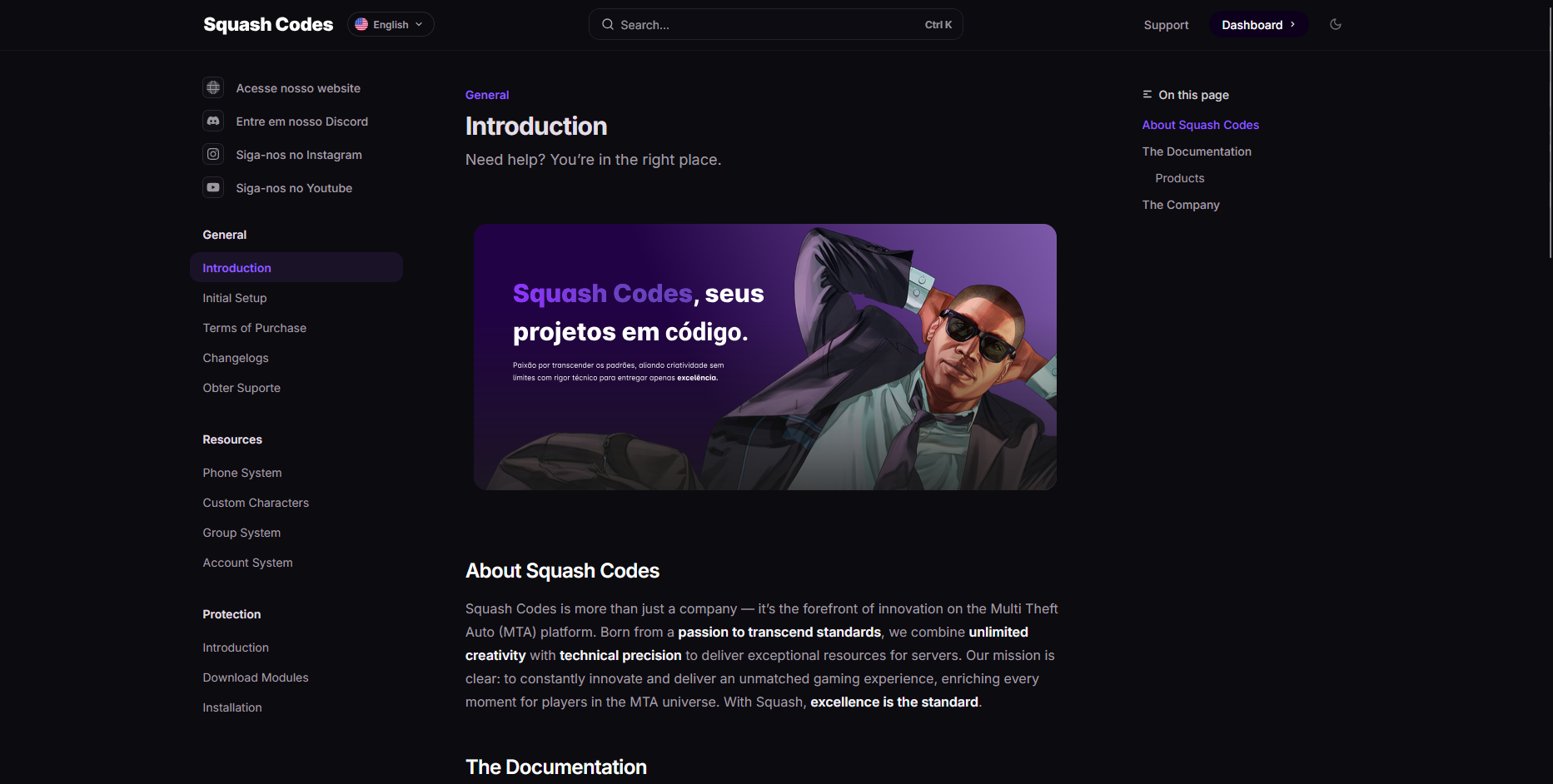
Portal de Documentação da Squash Codes

What you will find in the documentation

Installation Guides

Step-by-step instructions to install resources

Configuration Files

Details about customization options

API and Exports

Functions available for integration with other resources

Troubleshooting

Guides to resolve common problems

FAQ

Find quick answers to the community's most common questions

To install a resource, download the file from your client area. Then, extract the ZIP file and place the folder in your MTA server's 'resources' directory. Add the resource to your 'mtaserver.conf' file or start it via the admin panel.

First, verify that you are using the correct MTA version. Then, check the error logs in the server console. If the problem persists, open a ticket on our Discord with the error details, and our developers will help you resolve the issue.

Access your client area on the Squash Codes website and navigate to 'My Licenses'. There you will find all your active and expired licenses. Click 'Renew' next to the license you want to extend. You will be redirected to the payment page to complete the process.

No, each license is valid for only one specific server. If you wish to use the same resource on more than one server, you will need to purchase additional licenses. We offer discounts for multiple license purchases of the same product.

Contact us via Discord or the contact form on our website. Describe in detail what you need, and our team will analyze the project's feasibility and send a quote. Custom resources are developed according to your specific needs.

Currently, our official support is provided in Brazilian Portuguese. However, some of our team members can assist in English. We are working to expand our support to other languages in the future.

Our average response time is up to 24 hours on business days. For clients with premium plans, we offer priority support with reduced response times. In cases of critical issues, our team strives to respond as quickly as possible.

Most of our resources have a configuration file where you can define permissions for different user groups. Generally, this file is located in the 'config' folder inside the resource directory. Refer to the specific product documentation for detailed instructions.

We accept various payment methods, including credit/debit cards, PIX, bank slips (Boleto), PayPal, and bank transfers. For international clients, we offer options like PayPal and international credit cards.

We offer refunds within 7 days of purchase, provided the product has not been used in a production environment. To request a refund, open a ticket on our Discord specifying the reason for the request. Each case will be analyzed individually.

Yes, we provide free updates during the validity period of your license. This includes bug fixes, performance improvements, and small feature additions. Major updates or significant new features may be released as separate products or paid upgrades.

To become an official reseller, fill out the application form available on our website. Our team will review your request and contact you to discuss terms and conditions. Approved resellers receive special commissions and dedicated support.

Still need help? Talk to our support.